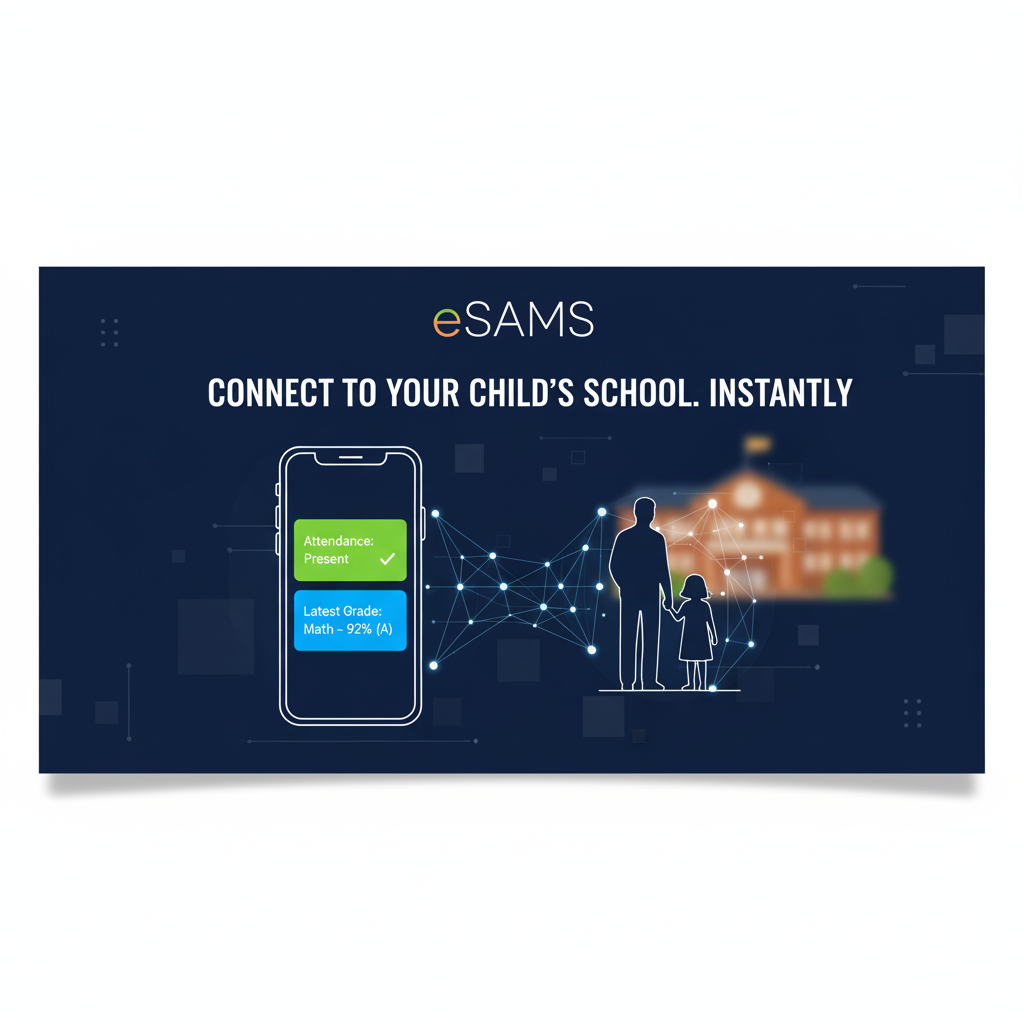
Introducing eSAMS - Connect to Your Child's School Instantly
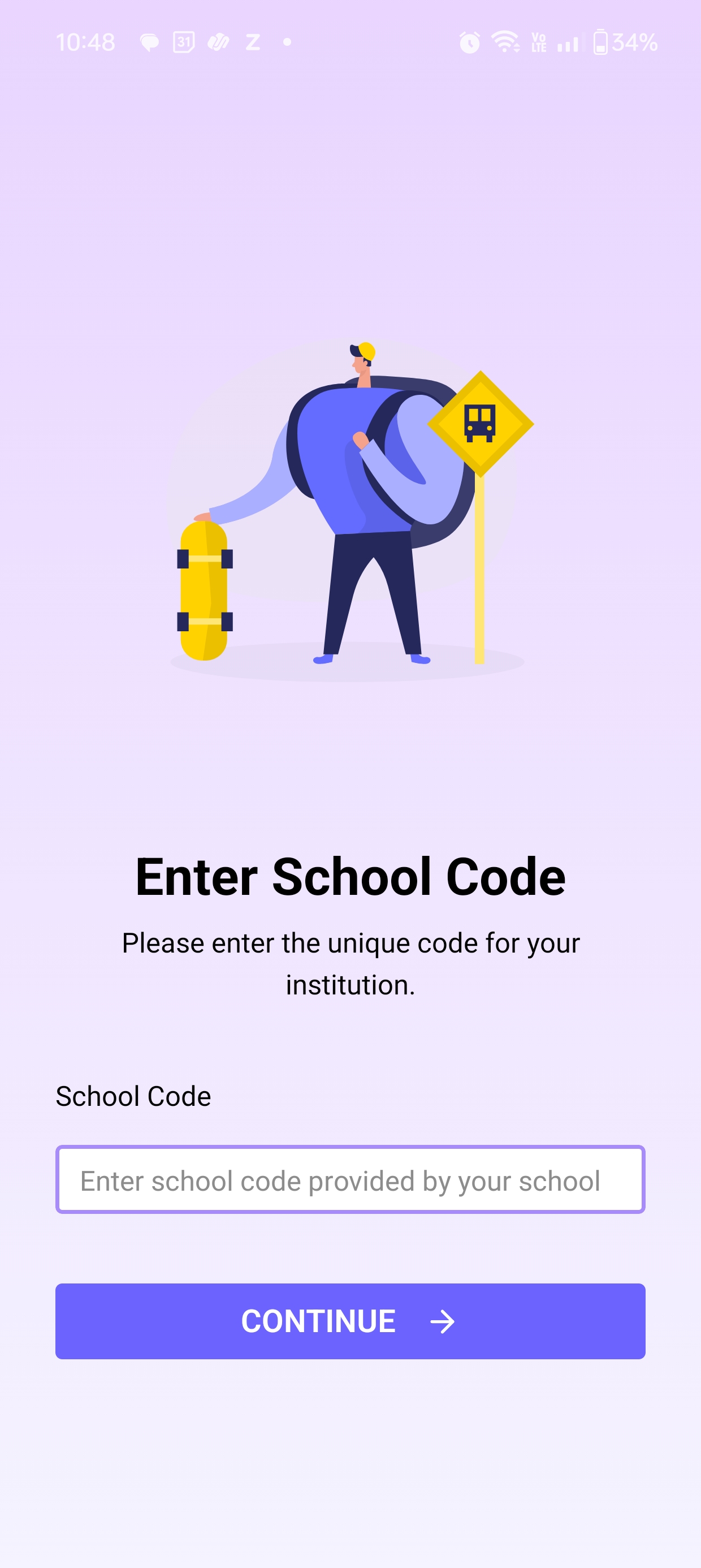
STEP 1: Enter School Code (DEMOWORLD)
Unique Access Code
To access your school's dedicated portal, you must first link the app using the unique School Code:
DEMOWORLD
(Enter the code above and tap **CONTINUE** to proceed to login.)
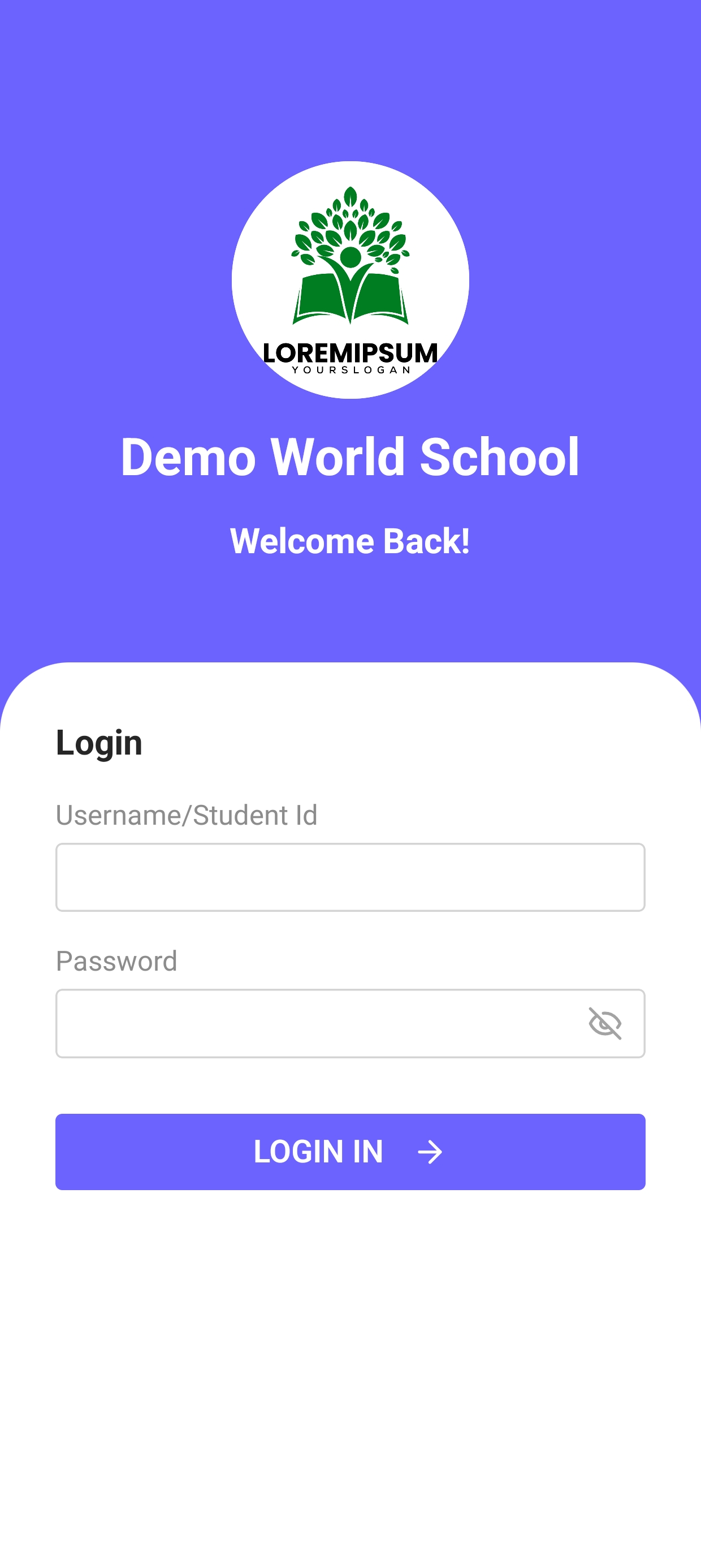
STEP 2: Successful Login
Login Process
Use the **Student ID** (Username) and **Password** provided by St. Joseph's Academy. This is required to access the personalized student dashboard and all related features.
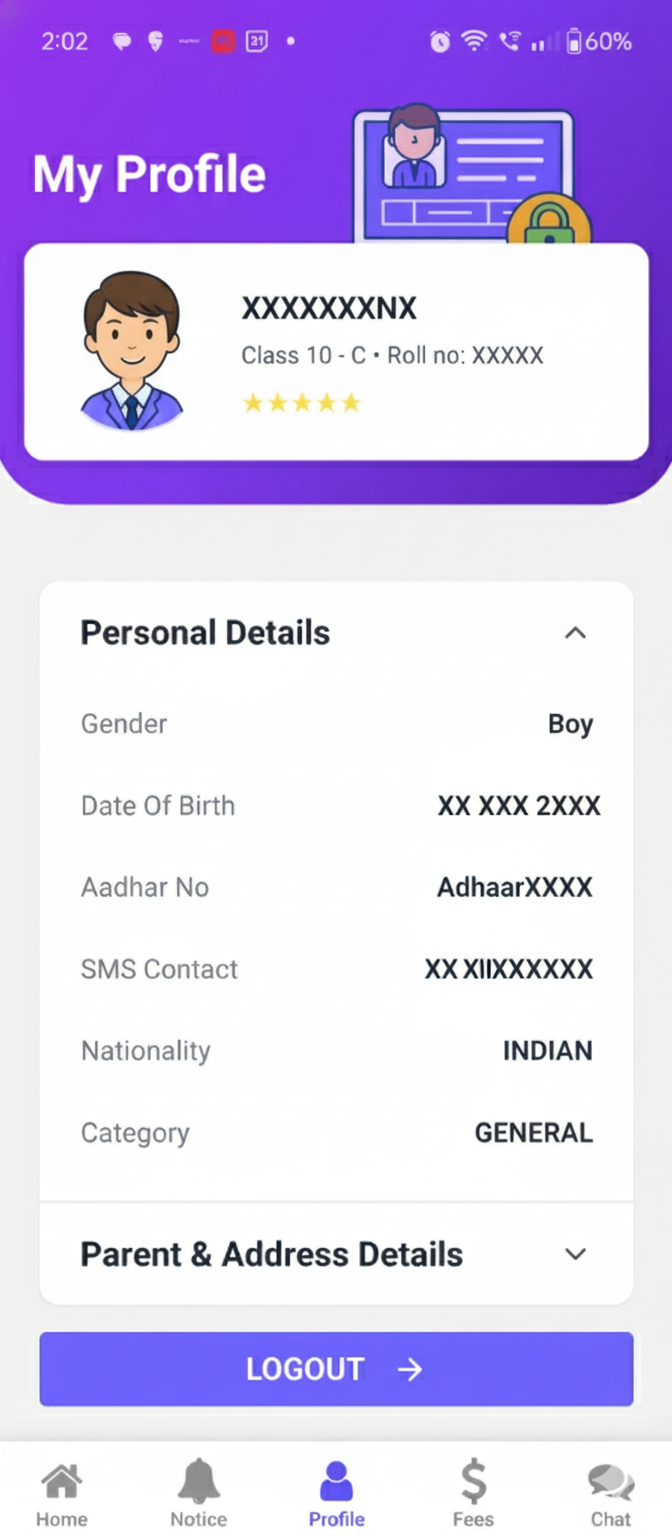
My Profile
Student Identity
Displays the complete student identity: Photograph, Class/Section, Personal Details (Gender, DOB), and Parent/Address Information. Always ensure this data is current and accurate.
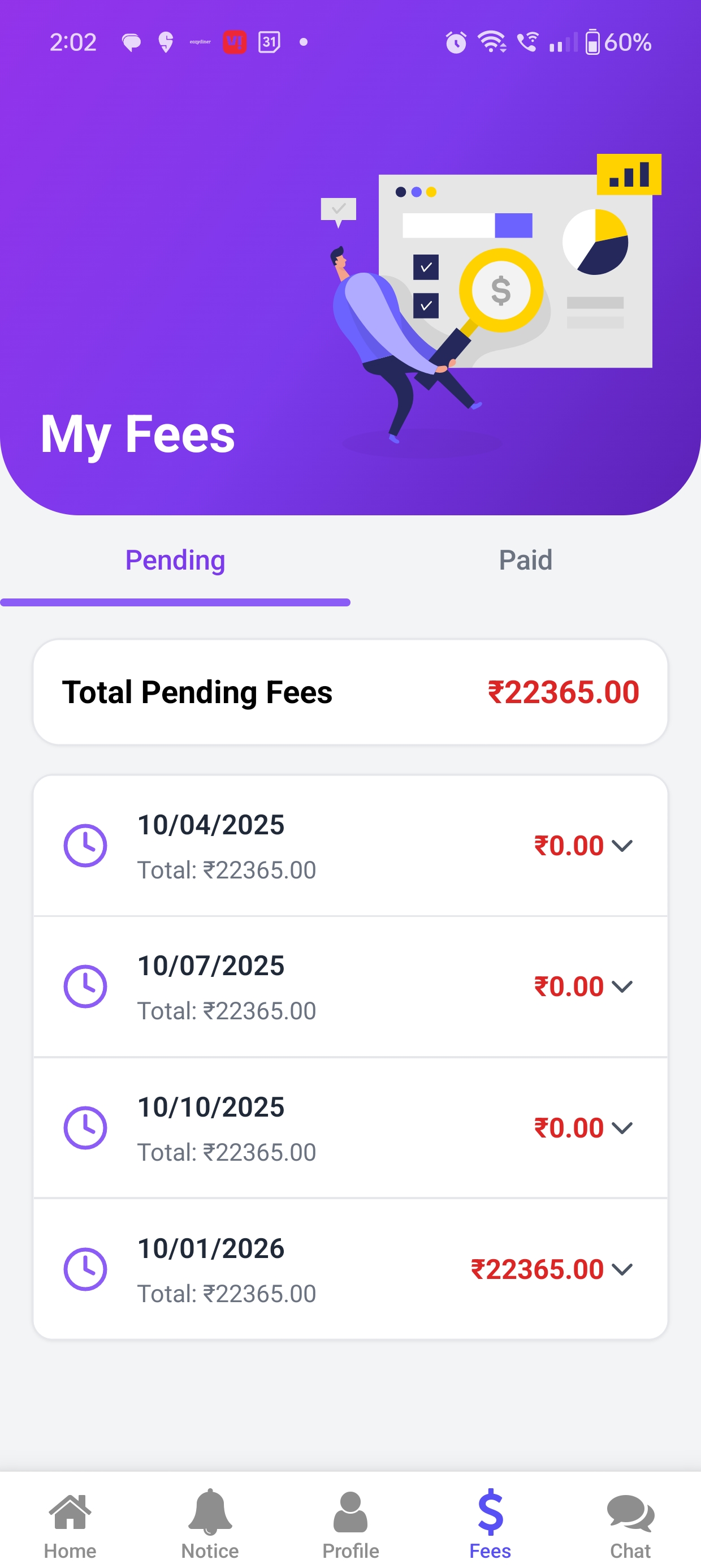
1. Total Pending Dues
Fee Ledger & Dues Tracking
View complete fee information, including installment details and **Total Pending Fees** at a glance. Parents can easily track upcoming deadlines and pay directly through the app.
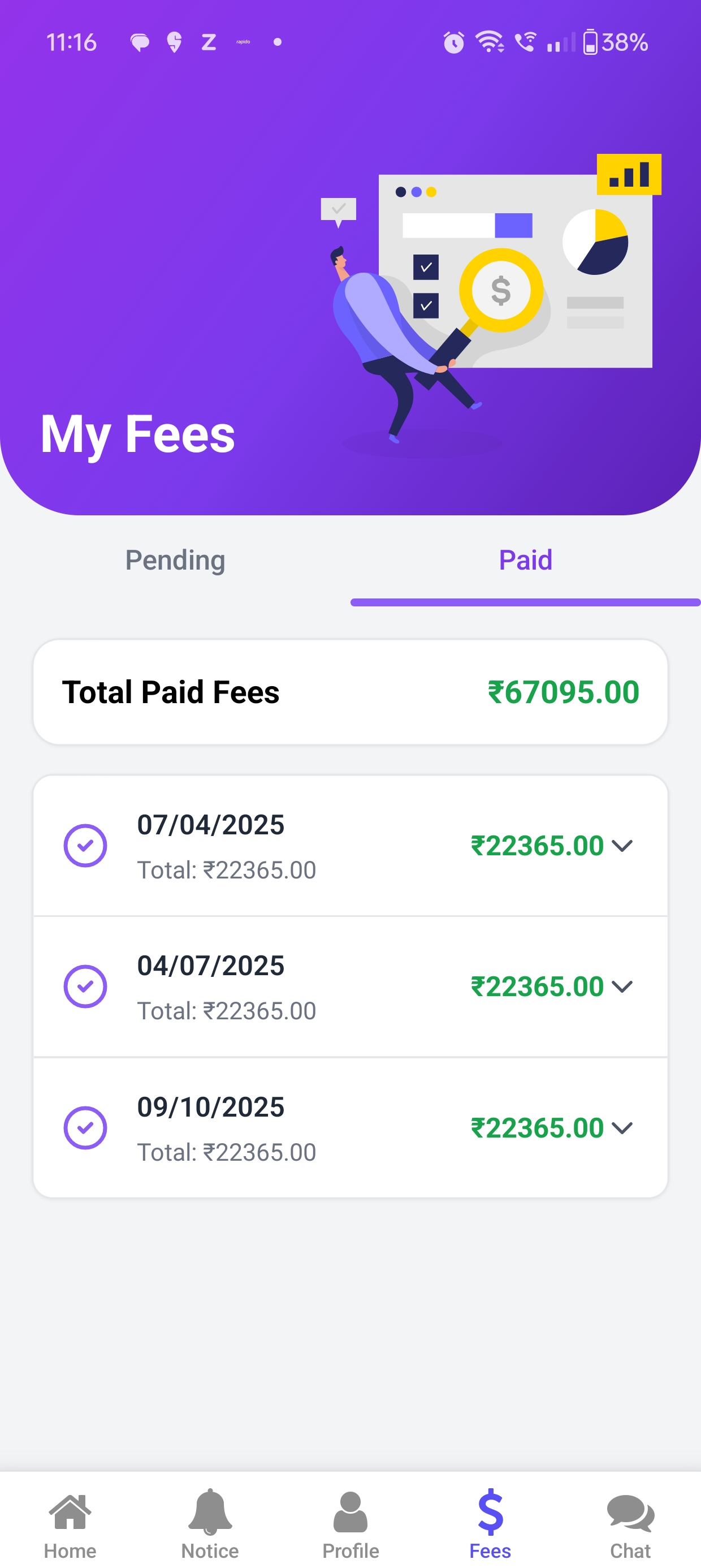
2. Paid History & Receipts
Payment History
Access past payment history, download **digital receipts** for paid installments, and view the ledger details. Ensures transparent financial record keeping and easy audit trails.
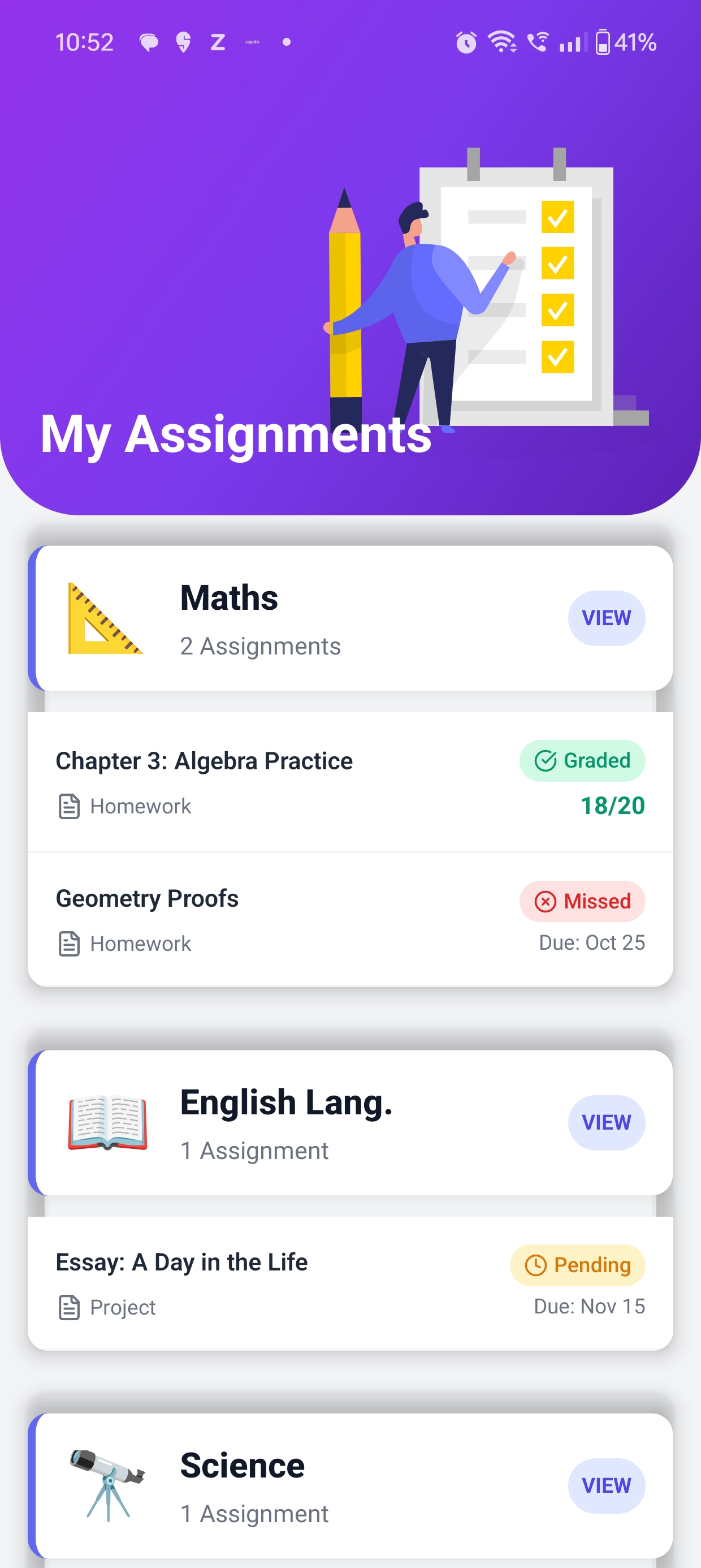
My Assignments & Homework
Status Tracking
Detailed view of all classwork and homework, grouped by subject. Status indicators show if the work is **Graded, Pending, or Missed**, with specific due dates.
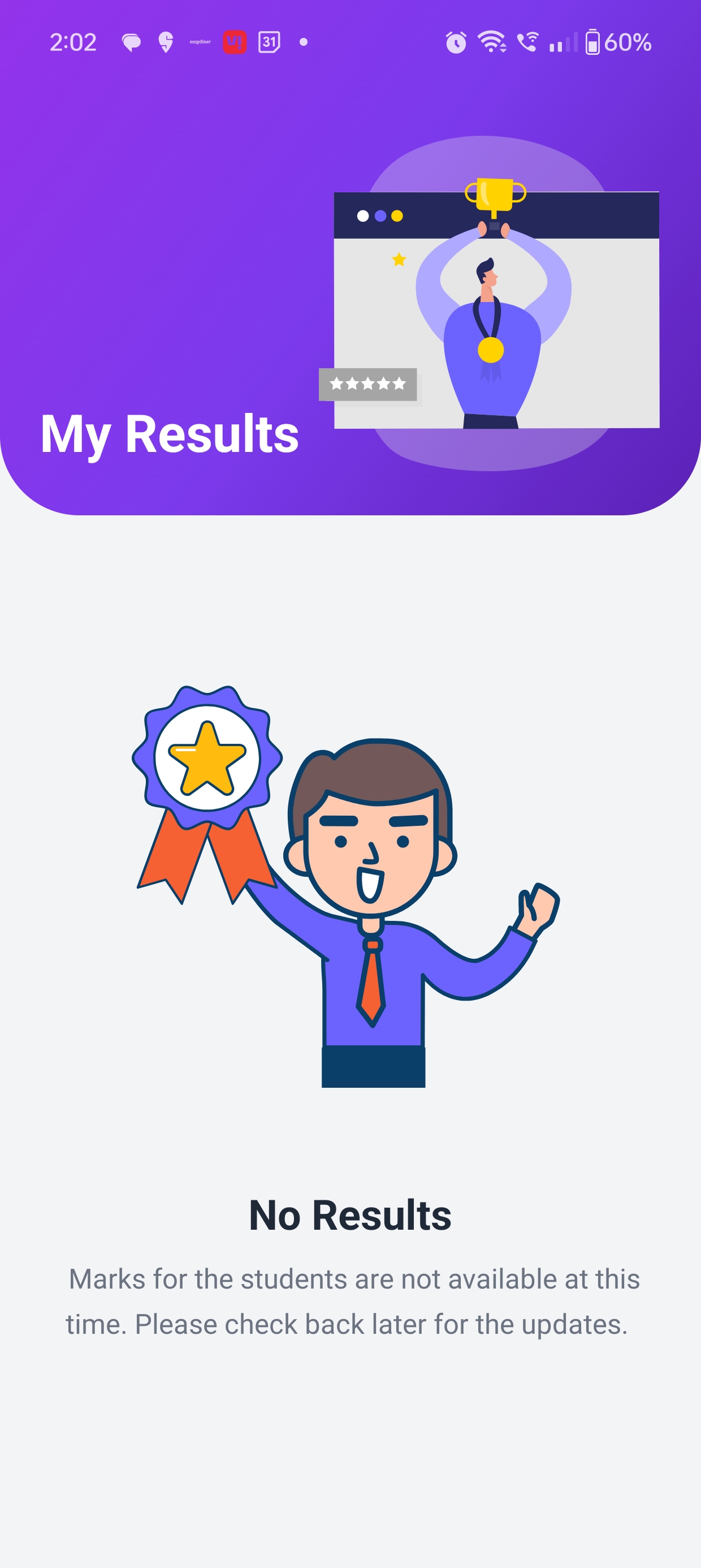
Term-Wise Results
Report Card Access
Access and view the student's **Report Card or Progress Report** as soon as the results are officially declared by the school administration.
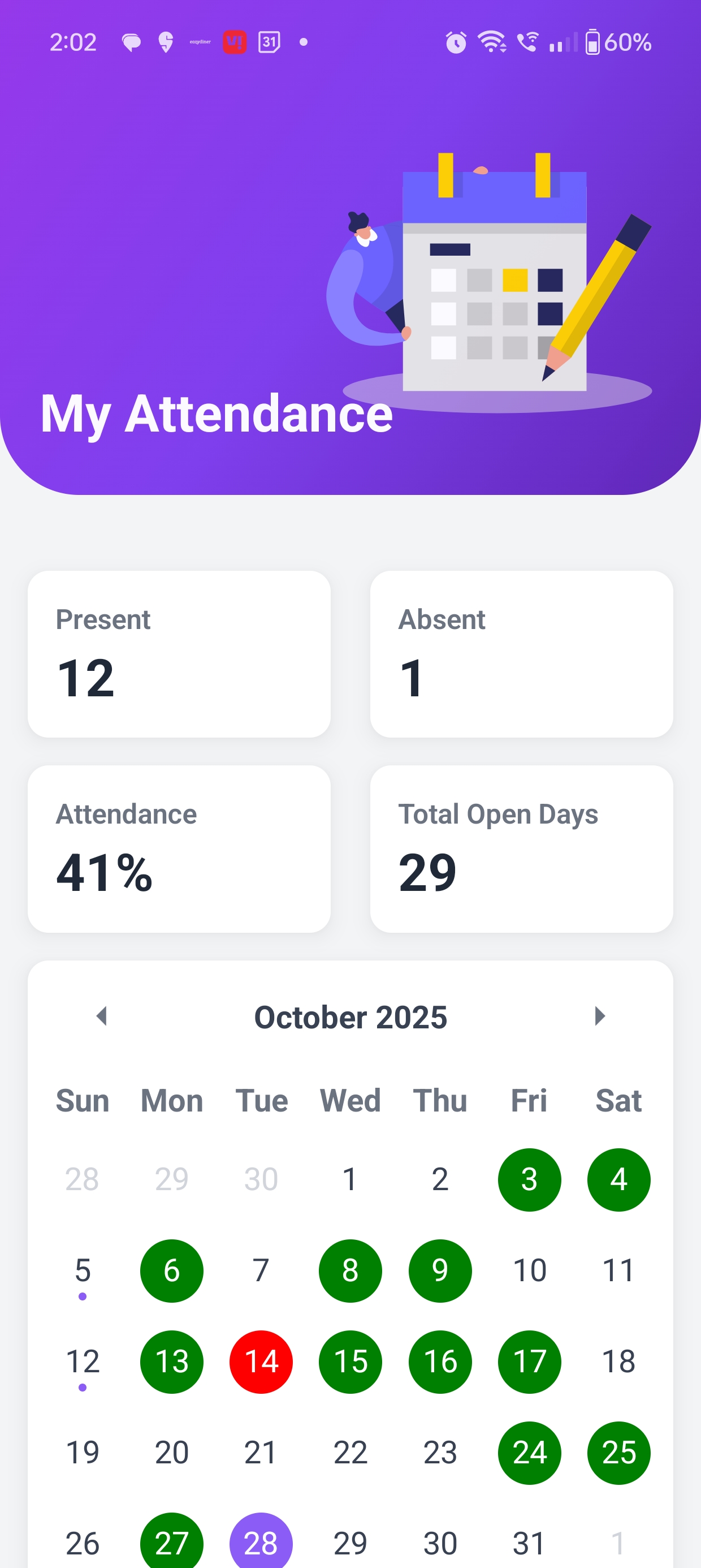
My Attendance
Real-Time Status
Monitor daily attendance records with monthly summaries. Instant alerts ensure parents are aware of any absences in real-time.
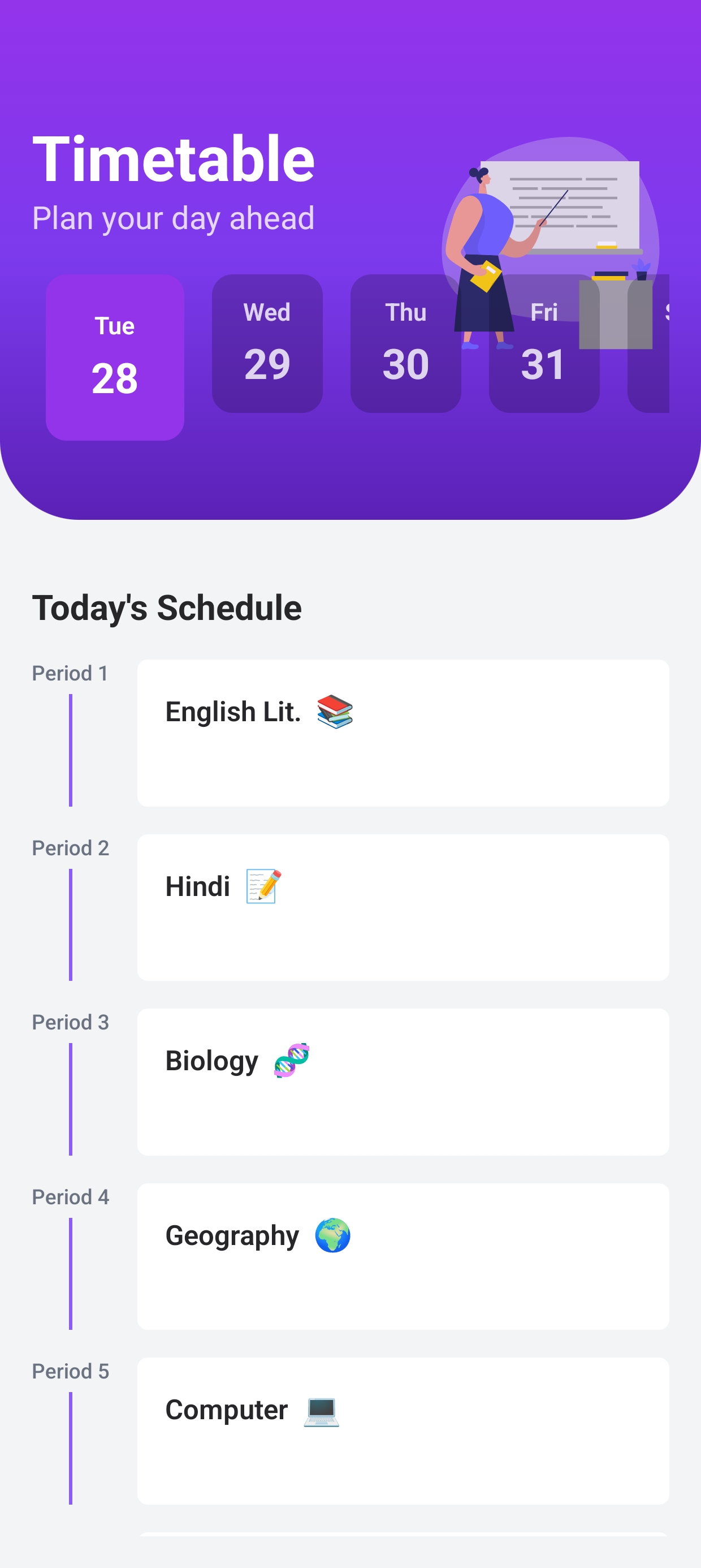
Time Table
Class Schedule
View the current daily and weekly class schedule with subject names and period timing. Helps students and parents stay organized and prepared for the day.
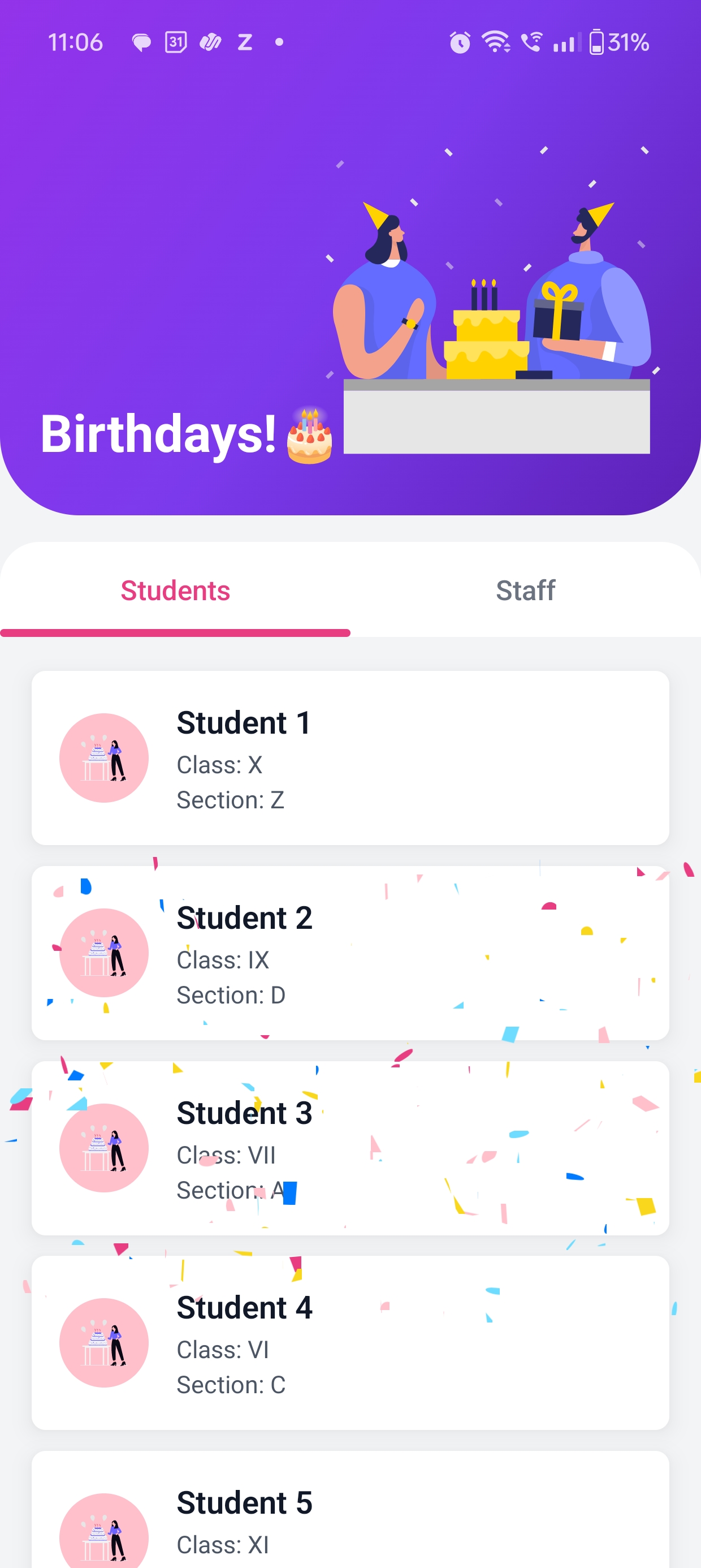
Birthday Tracker
Upcoming Celebrations
A dedicated module to celebrate and view the birthdays of students and staff members in the school community, fostering a sense of community and fun.
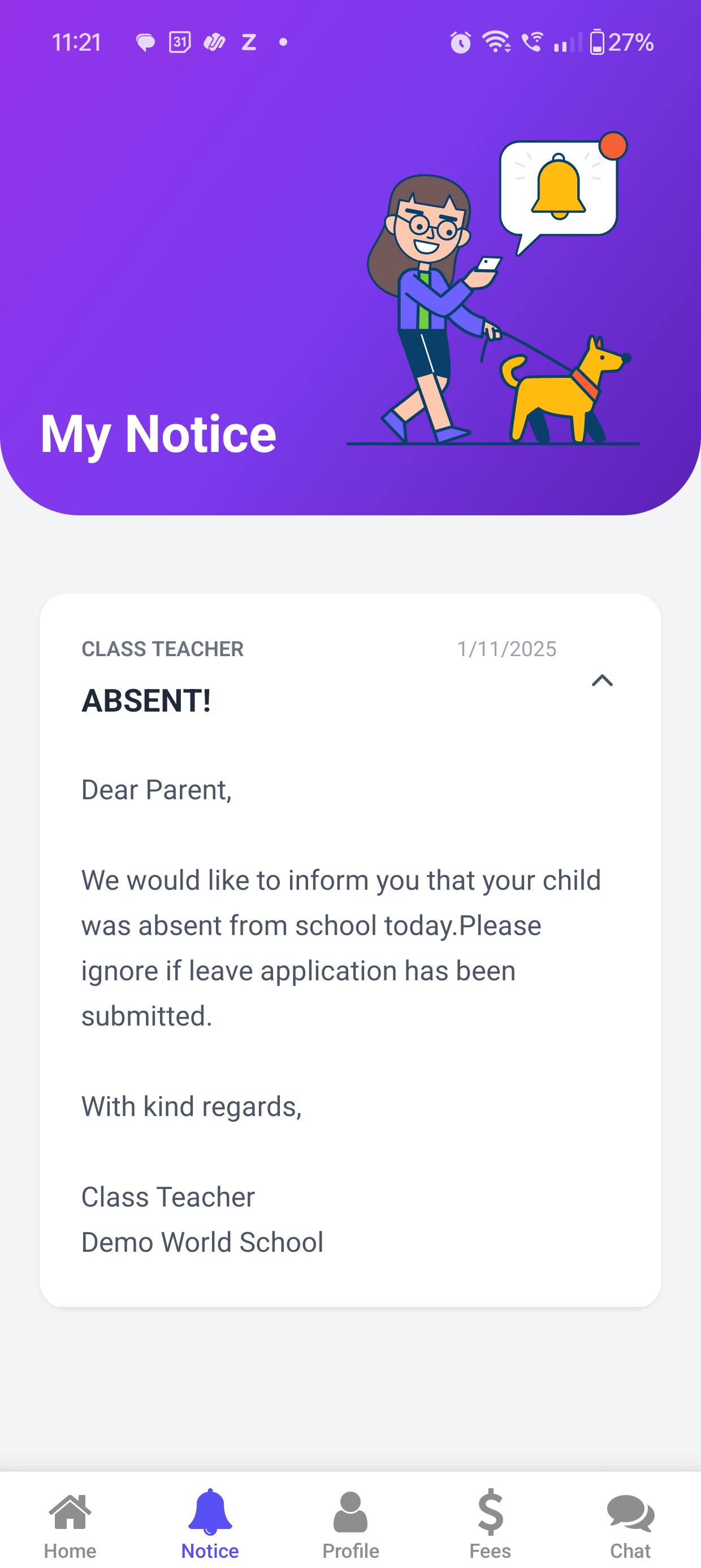
Messages / Circulars Archive
Communication Log
Organized log of all communication, including general circulars and private messages (if enabled), ensuring all important information is easily retrievable.